THE PAPERWORK GUIDE
Good habits for
a clearer bill folder.
Six practical guides to saving your originals, reviewing details, and getting an expense report ready. Based on the current BillTuck preview.
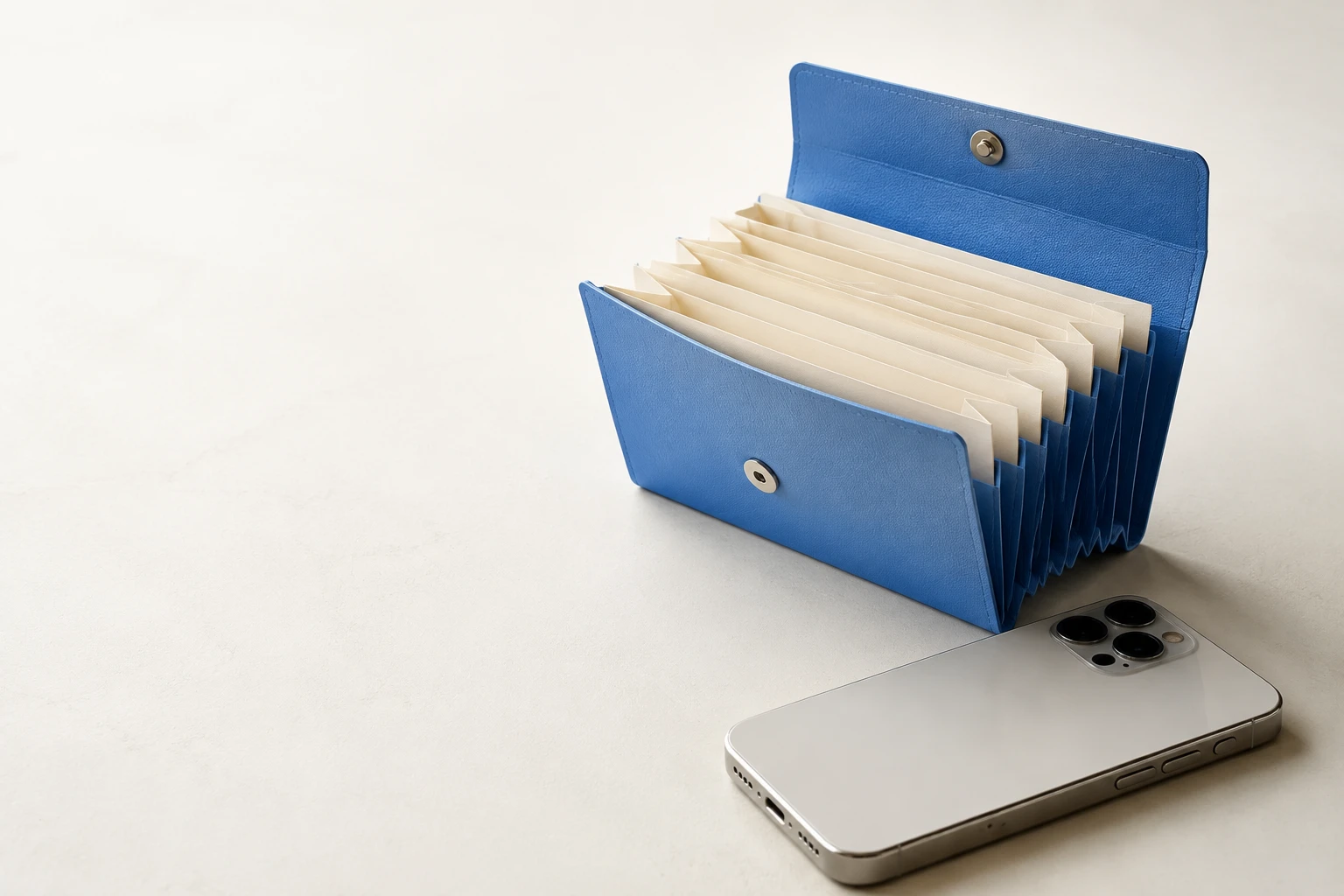
How to organize bills on iPhone
Organize PDF bills on iPhone by month and provider. Keep originals, review extracted details, and turn completed bills into expense reports.
Read the guide
How to save PDF bills from email on iPhone
Save a bill attachment from Mail to Files, import it into BillTuck, and check the original PDF alongside its extracted expense details.
Read the guide
How to import invoices from a ZIP file
Import PDF, JPEG, and PNG invoices from an unencrypted ZIP on iPhone. Check the batch summary, review bill details, and handle skipped files.
Read the guide
How to create a monthly expense report
Create a monthly PDF expense report from completed bills on iPhone. Check missing dates, provider totals, currencies, and the PDF before sharing.
Read the guide
How to find duplicate bills on iPhone
Compare original files, invoice numbers, dates, amounts, and currencies to review possible duplicate bills before they affect your expense totals.
Read the guide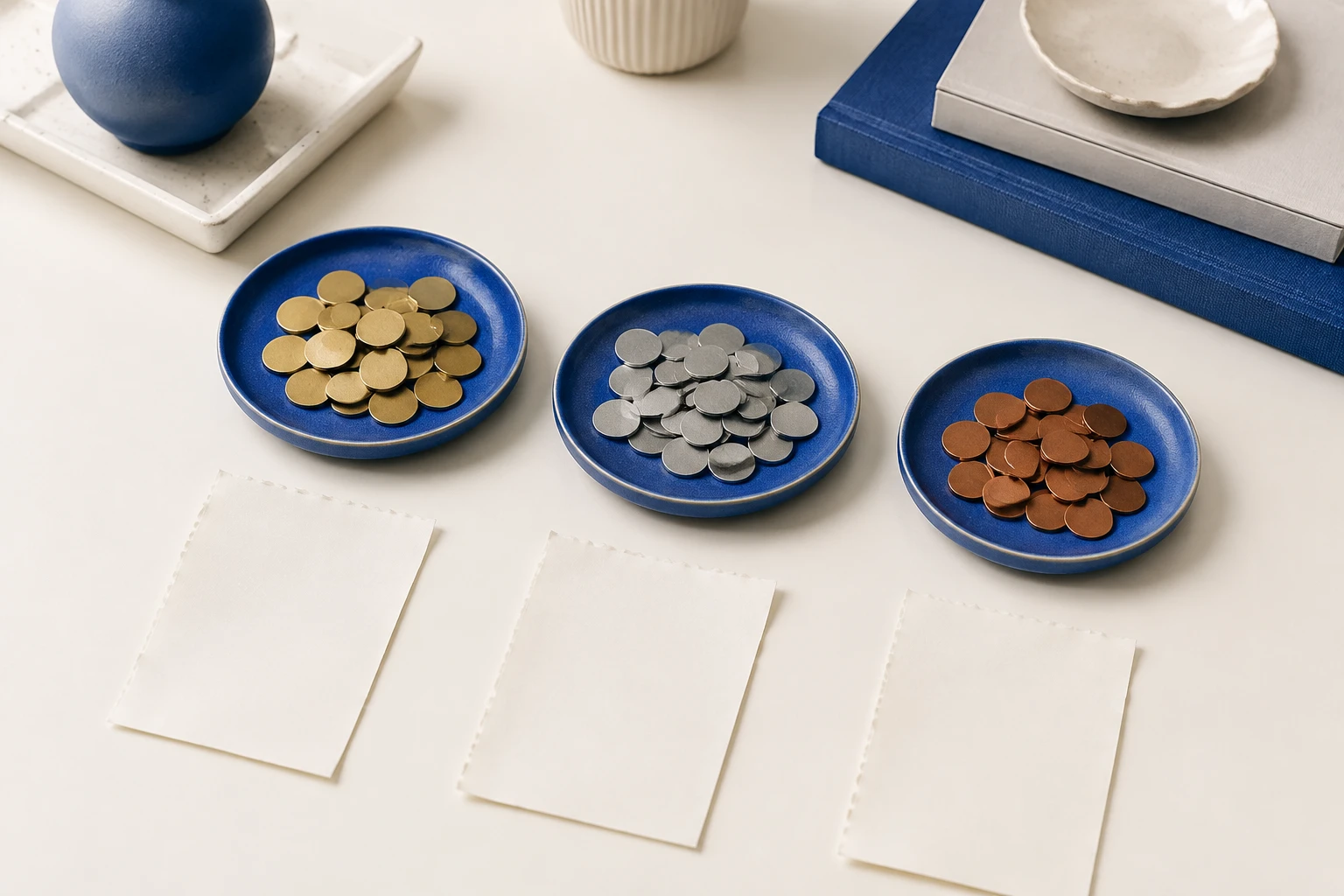
How to track expenses in different currencies
Keep each bill in its original currency and review separate monthly totals. Learn how to check currency codes and export multi-currency reports.
Read the guide