
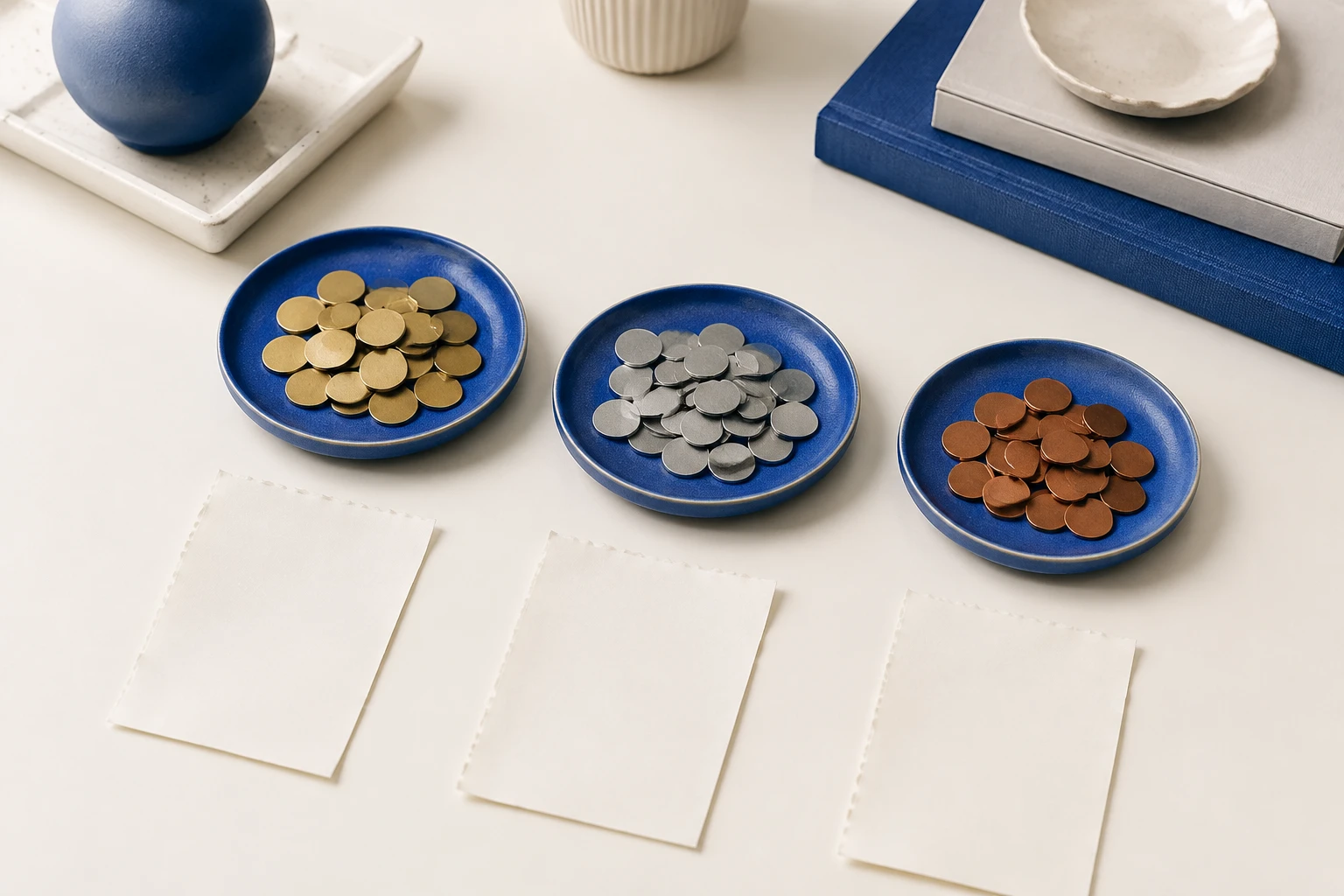
The steps at a glance
- Confirm the source currency
Read the currency code or explicit label on the original invoice alongside its final amount.
- Save the pair together
Choose the matching currency in BillTuck and keep the amount as printed on the bill.
- Read each total separately
Inspect the month and provider groups without adding unlike currencies into one total.
- Verify the PDF
Complete pending currency reviews and check each currency group in the generated monthly report.
Read the currency from the original bill
Check the currency beside the final amount before completing the expense. A symbol alone can be ambiguous: several currencies use a dollar sign. Look for a three-letter code or another explicit currency label on the document. A provider's address may provide context, but it does not by itself establish which currency the invoice uses.
Automatic extraction can identify the currency when the document provides enough information. If it remains unclear, open View Original and inspect the bill before choosing a value. Confirm the document with its source when necessary instead of assigning the currency you normally use.
Choose the matching currency in the record
Use BillTuck's currency picker to find a currency by its code or localized name. Frequently used currencies appear first, and optional manual entry accepts recognized ISO codes. Check both the code and the amount before saving. For instance, 49.00 with EUR selected represents a different record from 49.00 with CHF selected.
Entering a different currency label does not convert the amount. If the original bill says EUR 49.00, keeping that amount with EUR preserves what the supplier issued. Replacing EUR with another code while leaving 49.00 unchanged would describe a different value and distort the grouped totals.

Review separate totals for the same month
A month can contain domestic utility bills and a foreign software invoice. Open the month and read each currency total separately. You might see CHF 129.90 for two completed bills and USD 15.00 for another. Those totals explain the recorded documents without assuming that one unit of either currency has the same value.
Use provider browsing when you want to inspect bills from a particular supplier. The currency stays attached to each expense, including when the same provider issues bills in more than one currency. Check any unexpected group by opening its records and comparing them with their originals.
Keep bill amounts distinct from payment amounts
A bill in EUR and a card statement in CHF describe different records. The statement amount may reflect a conversion or other payment details that are not on the invoice. BillTuck organizes the bills you import; its invoice totals describe those completed records. Use the original bill's amount and currency when reviewing its extracted fields.
If you separately need a converted comparison, preserve the original currency record while preparing that comparison elsewhere. BillTuck does not supply exchange rates or produce a combined base-currency total. That limitation should remain visible when you explain what a monthly report contains.
Check currencies again in the exported PDF
Before exporting, complete any imports still waiting for a currency decision. Unfinished bills are excluded from totals, and the export screen warns about unresolved items. Once the relevant records are complete, generate the month's PDF and read its separate currency and provider totals. A missing currency group may mean that its bill is unfinished or dated outside the selected month.
Use the monthly report guide for the full export workflow. If a currency was selected incorrectly, correct the bill and generate a fresh report. A PDF already saved or shared remains a snapshot of the records used when it was generated.
More questions
What should I do when a bill only shows a dollar sign?
Look for an explicit currency code elsewhere on the document or confirm it with the source. Several currencies use that symbol, so choosing your usual currency can produce an incorrect record.
Can one provider have bills in several currencies?
Yes. Currency belongs to each expense record. BillTuck keeps separate currency totals, including when a provider has completed bills in more than one currency.